
Installing a FACEIT extension takes about two minutes. Below is how to add one in any browser, using GRIND as the example, plus what to do if it installs but does not show up in the matchroom.
Install a FACEIT extension in Chrome and Edge
- Open the extension pageOpen the extension in the Chrome Web Store — for example, the GRIND extension.
- Click "Add to browser"Press Add to Chrome (or Get on Edge) and confirm.
- Pin the iconClick the puzzle icon in the toolbar and pin the extension so you can reach it quickly.
- Open a FACEIT matchroomGo to any FACEIT match page — the overlay appears right in the matchroom.
Yandex Browser, Opera and Opera GX
These browsers are all Chromium-based, so the same FACEIT extensions work in them as in Chrome:
- Yandex Browser — installs from the Chrome Web Store directly. Full guide: FACEIT extensions in Yandex Browser.
- Opera and Opera GX — need the free "Install Chrome Extensions" add-on first. Full guide: FACEIT extensions in Opera and Opera GX.
- Edge — works straight from the Chrome Web Store, no extra steps.
Installed but not showing? Enable it
If the extension installed but nothing appears in the matchroom: open chrome://extensions, make sure the toggle is on and site access is allowed for faceit.com, then hard-reload the match page with Ctrl+F5. Still stuck? See why a FACEIT extension stops working and how to fix it.
Everything GRIND does, in one list:
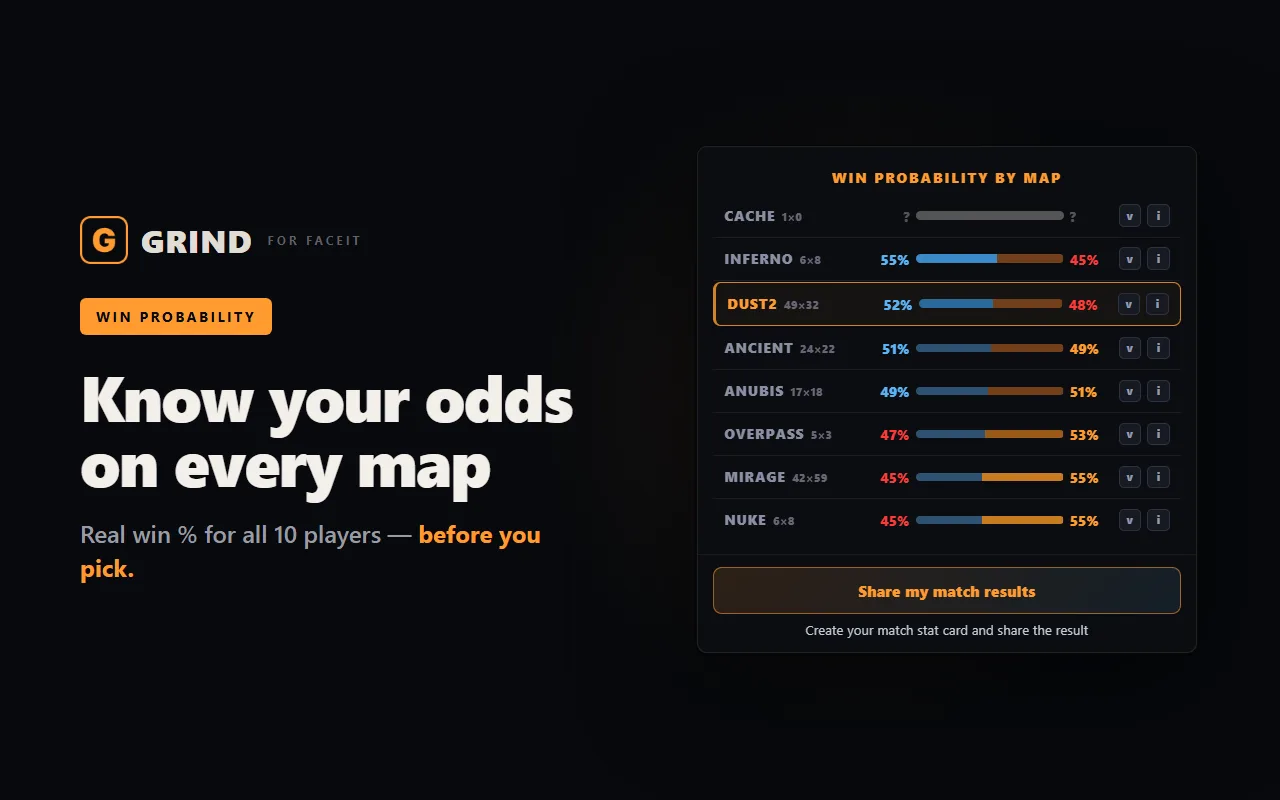
- Win chance on every map — a radar across the whole pool plus a breakdown per map — pick the one where your team is ahead. That is the ELO.
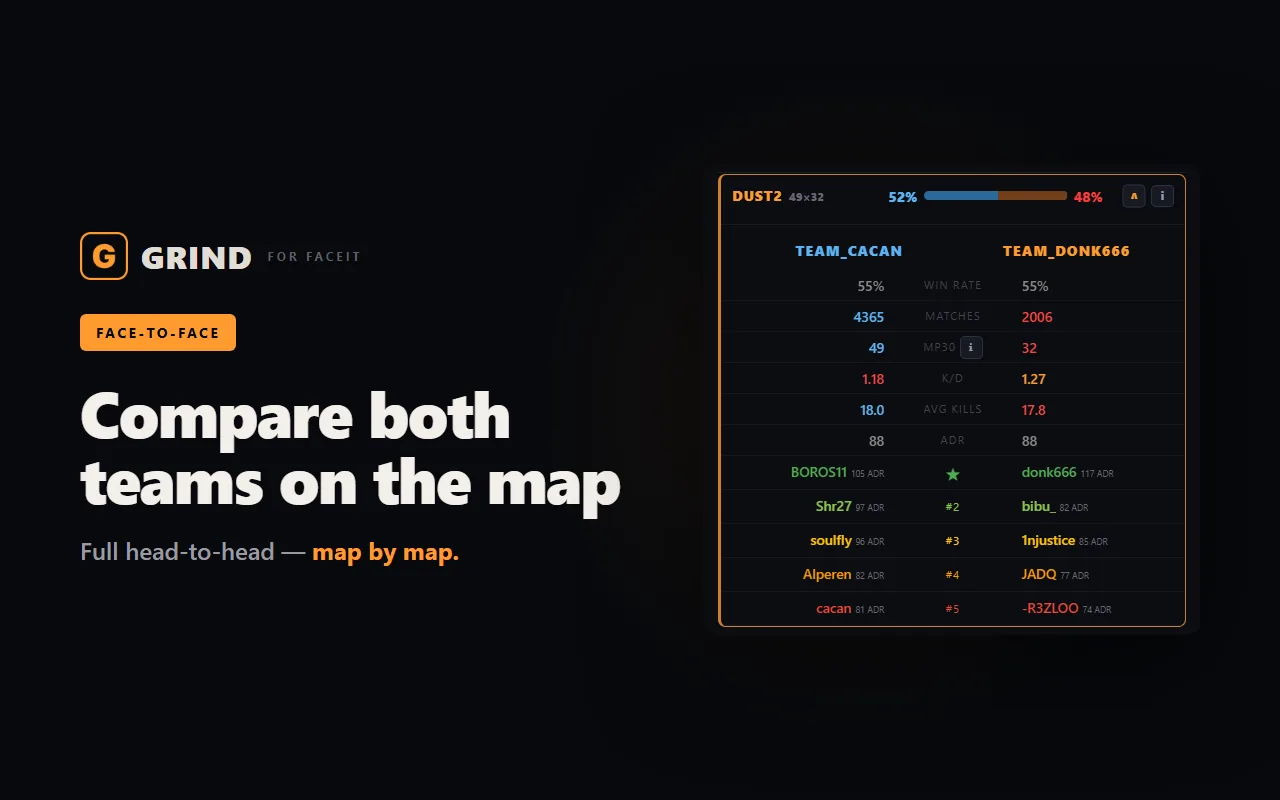
- Team face-off — win chance, Firepower, average kills and K/D above each team.
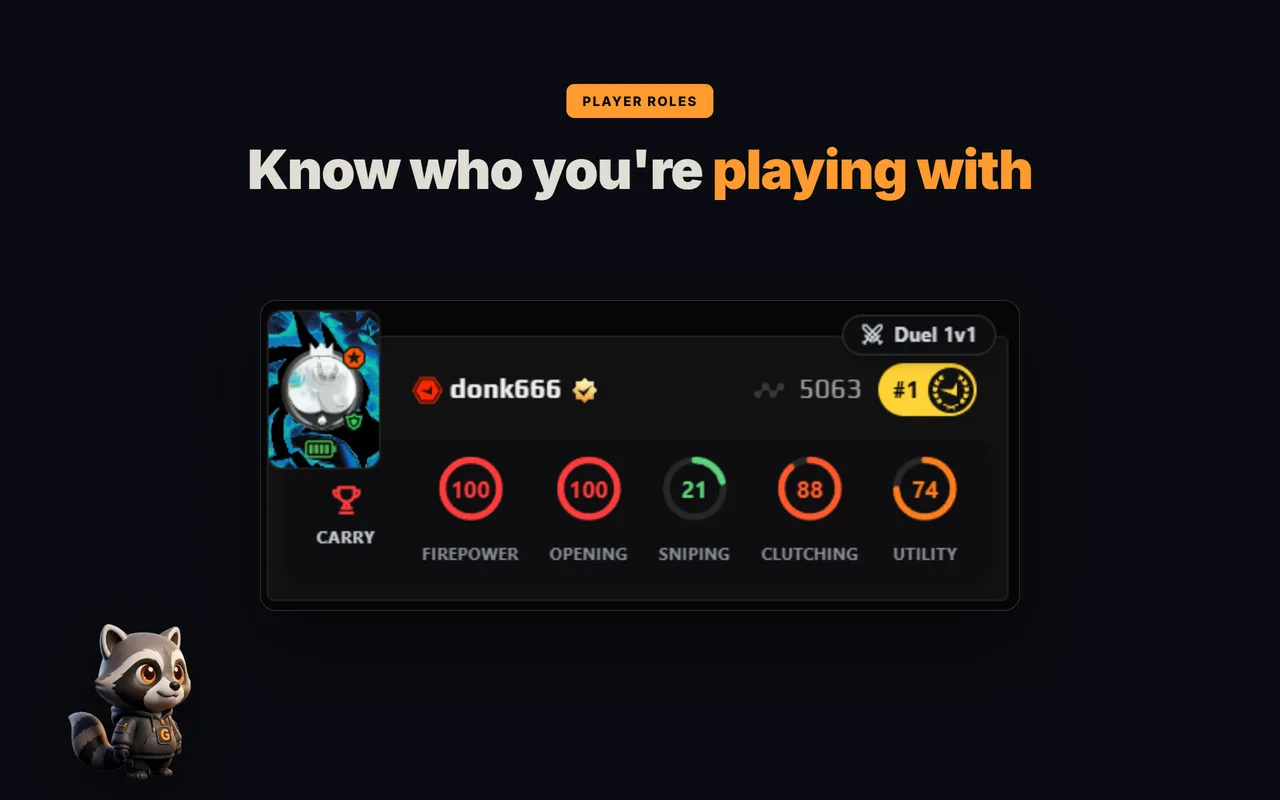
- Roles and 5 skill rings — CARRY, AWPER, ENTRY and more on all ten players — see who does what at a glance.
- FACEIT Rating and Swing — each player's real round impact over the last 30 matches.
- Last 30 matches — win rate, K/D/A, ADR and HS% for every player in the lobby.
- Career and maps — how many matches a player has played and their stats on every map.
- Form and streaks — who is in form right now and who is on a win or loss streak.
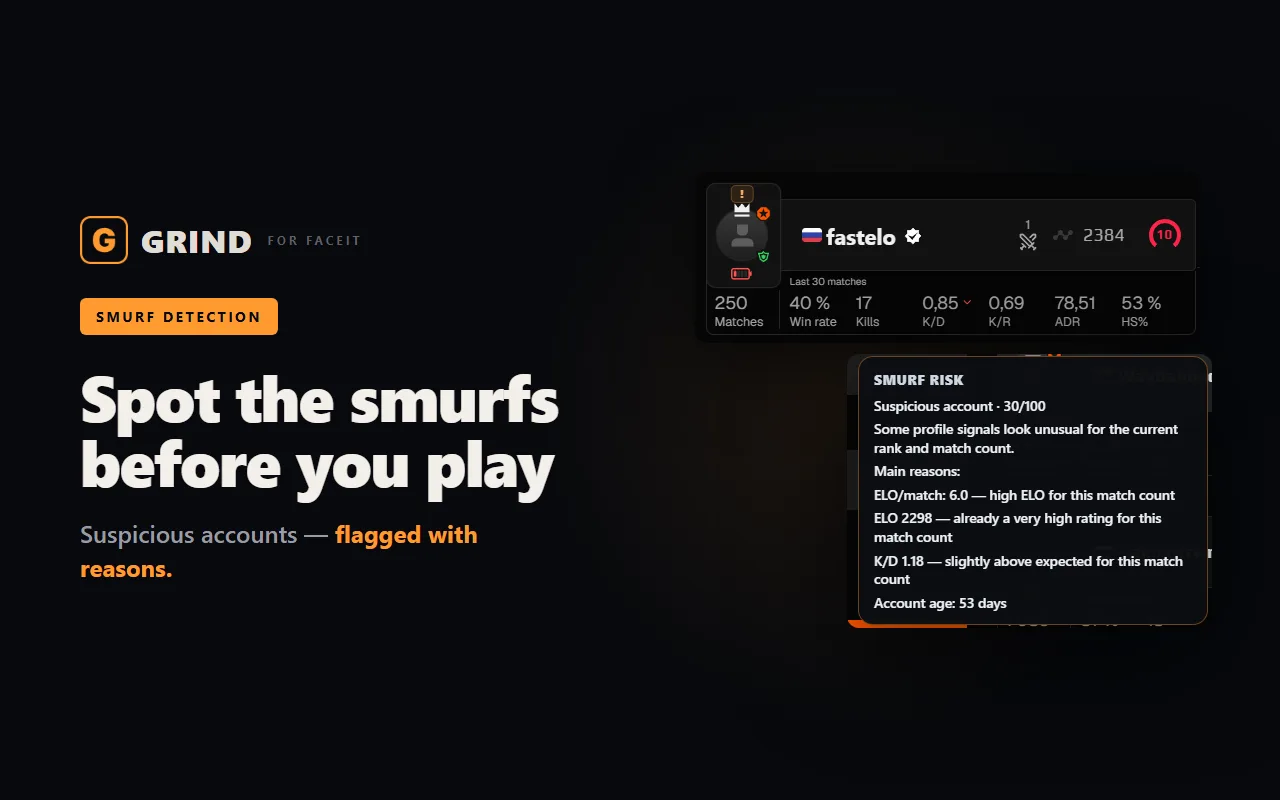
- Smurf and Boosted score 0–100 — suspicious and boosted accounts show up before round one.
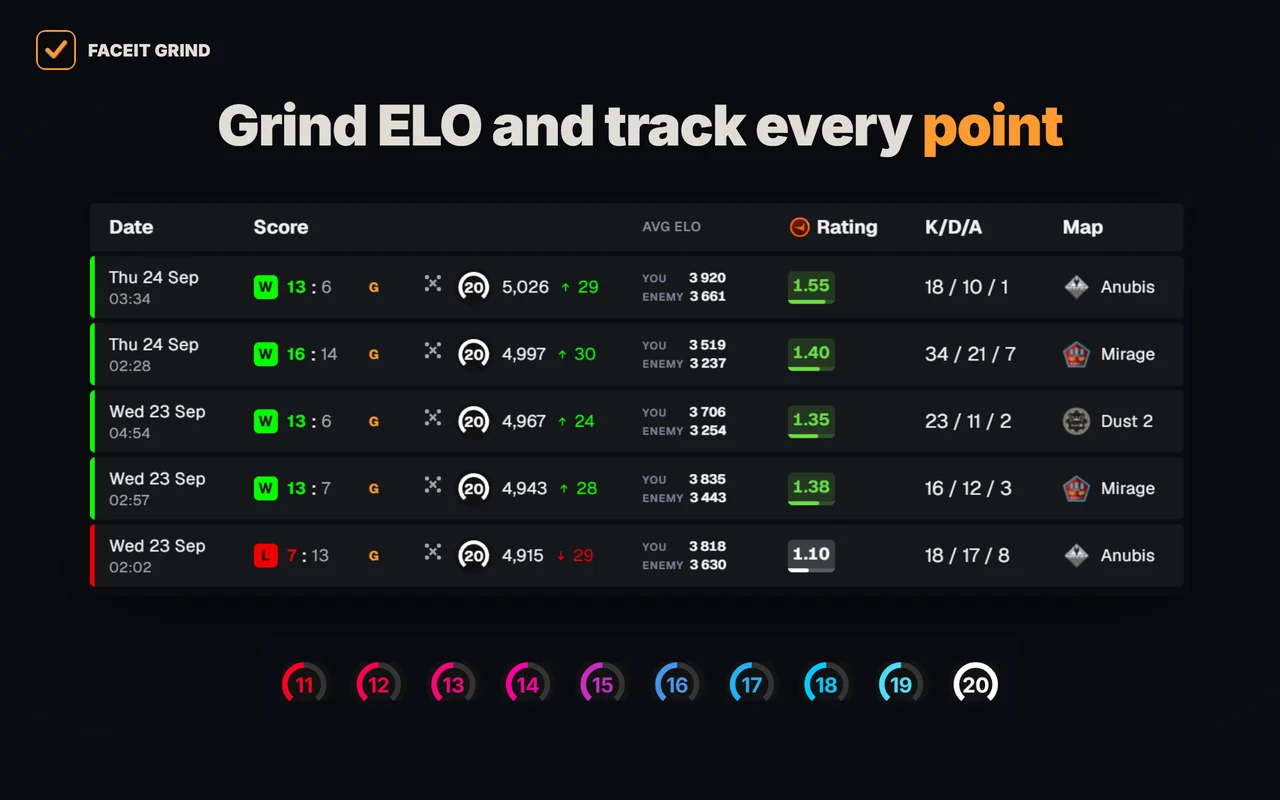
- Levels 11–20 — tell level 10s apart above 2,250 ELO — with GRIND metals or levels 11–20.
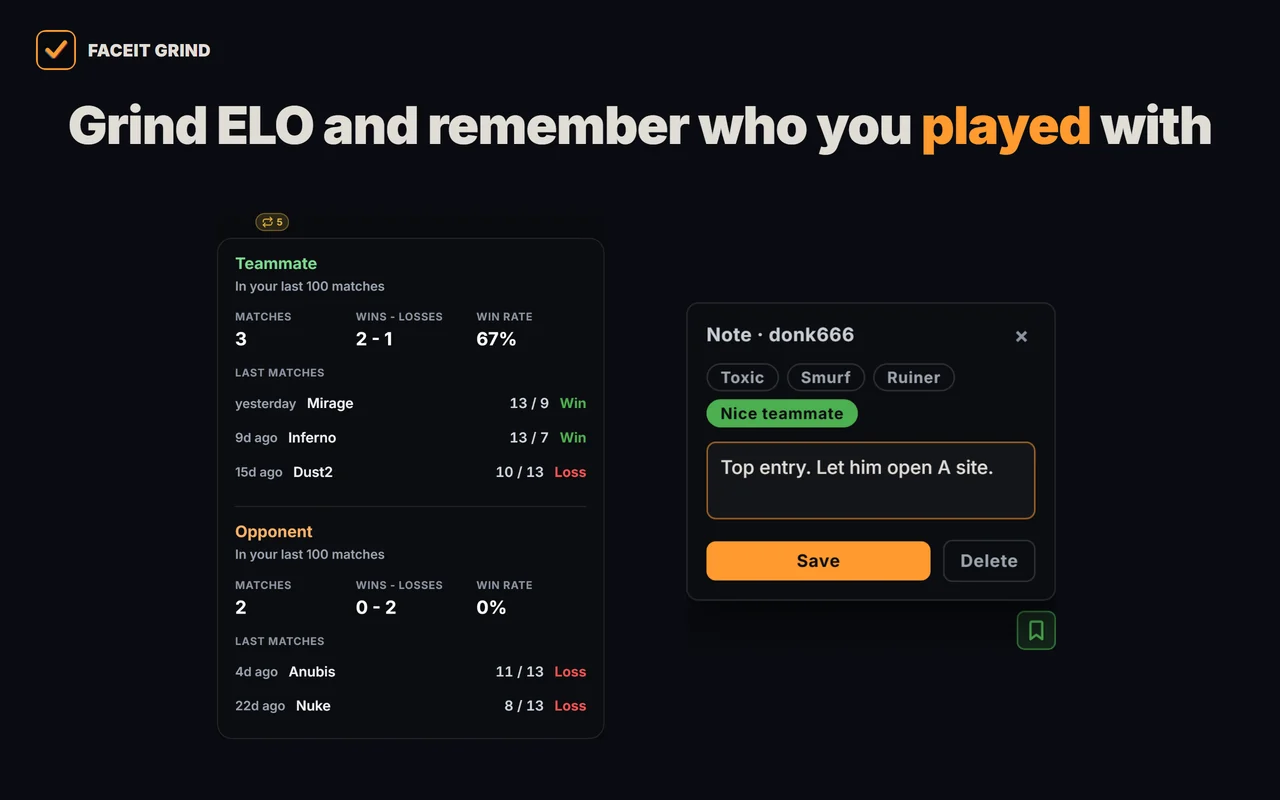
- Played together — who you have already met in your last 100 matches, and the score.
- 1v1 Duel — compare any two players in the lobby head to head.
- Player notes — tag a griefer or a great teammate — the note pops up next time you meet and stays on your device only.
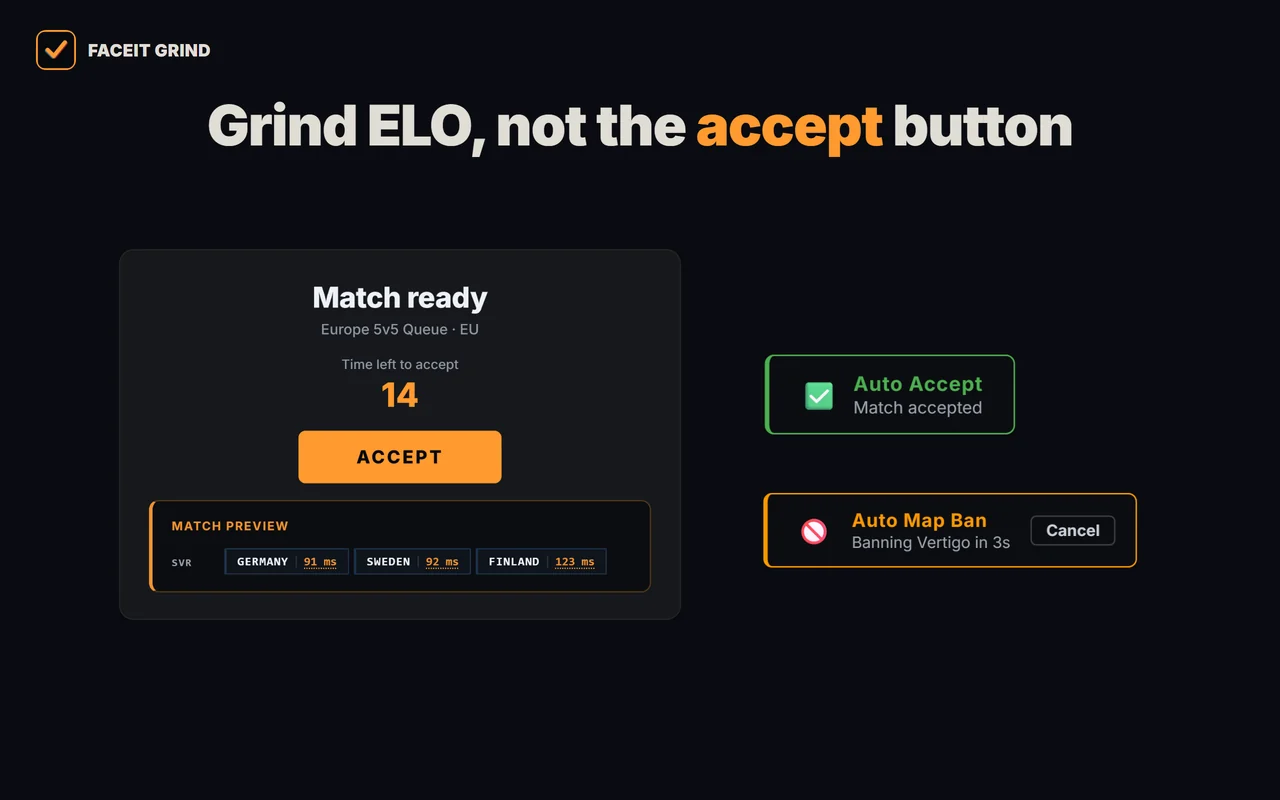
- Auto-accept match and invite — never miss a match while you are away; delay from 1 to 10 seconds.
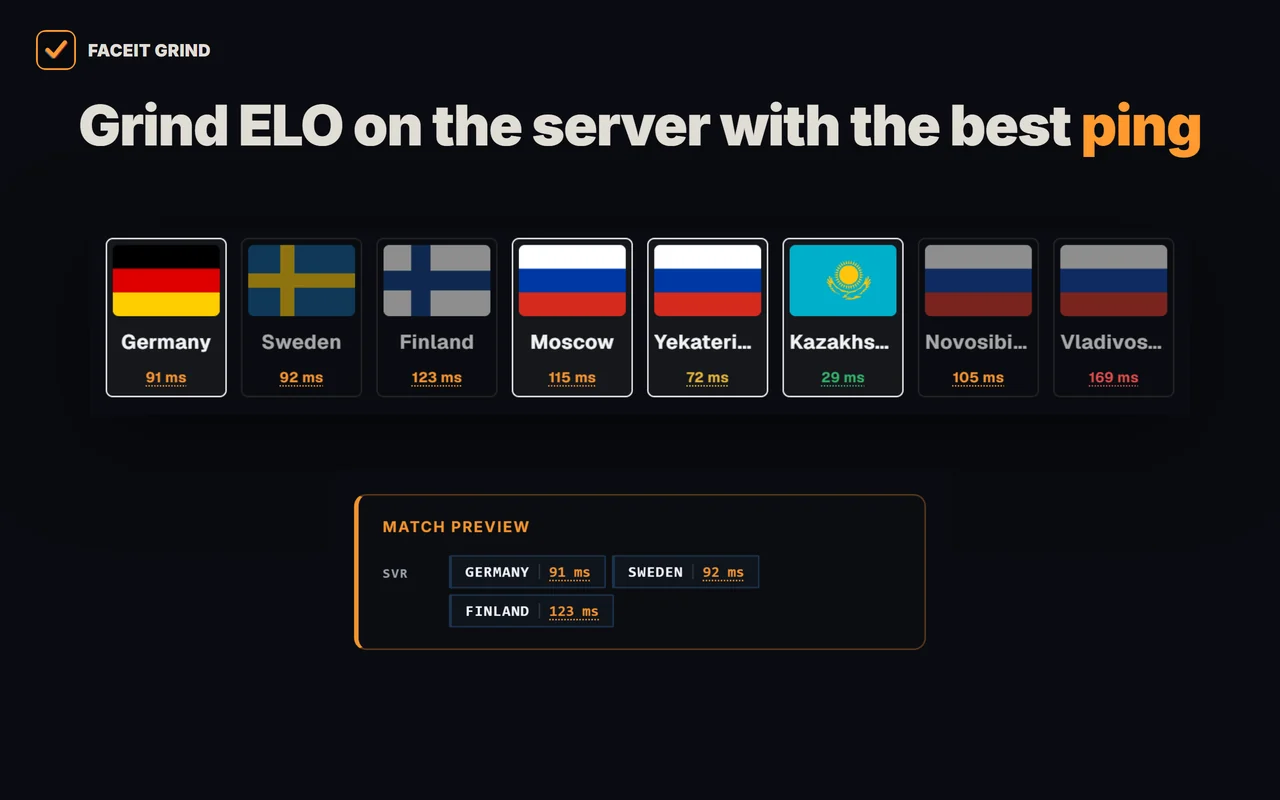
- Server and ping on the accept popup — the match server right in the accept window, server ping there and on the server-picker page.
- Auto map ban — when you are captain, your least favourite map is banned for you — with a countdown and a cancel button.
- Auto position — your spot on the chosen map goes to team chat first, once per match.
- Auto-copy connect — the moment the server is ready, the connect line is on your clipboard — paste it into the CS2 console.
- Match history — average ELO of both teams, 10/20/30-match markers and a scoreboard on hover.
- Profile summary — your best map, day and time to play, plus per-map stats.
- Your own card — your ELO, progress to the next level and session ±ELO in the corner of the page.
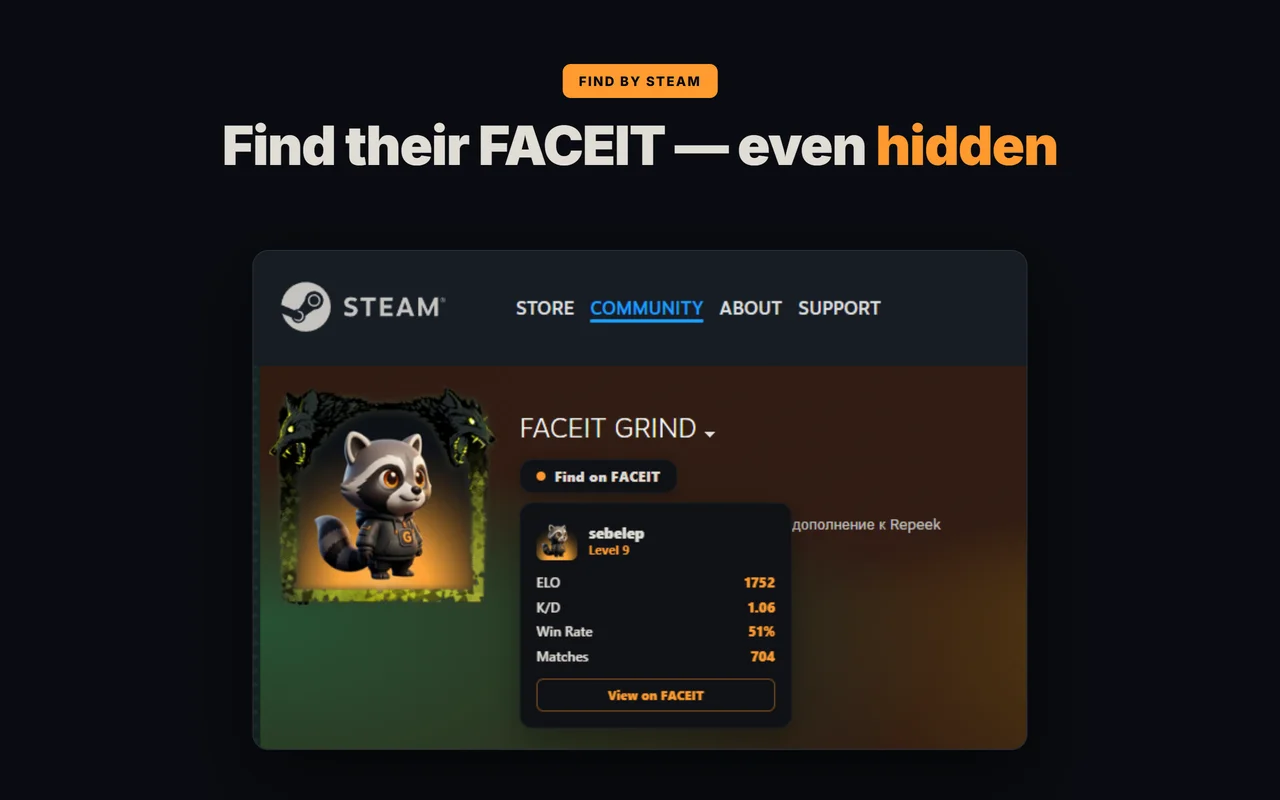
- Find FACEIT by Steam — a player's FACEIT profile right from their Steam page — even if the profile is private.
FAQ
How do I enable a FACEIT extension?
Open chrome://extensions, turn the extension toggle on and allow site access for faceit.com, then reload the matchroom. The overlay appears on the match page.
Does GRIND have auto-accept?
Yes — GRIND has match and group-invite auto-accept that works 100%, so you never miss a ready-up. On top of that it adds win probability by map, smurf detection and a face-to-face compare.
Which browser is best for FACEIT extensions?
Any Chromium browser — Chrome, Edge, Yandex Browser, Opera or Opera GX. Opera just needs the free "Install Chrome Extensions" add-on first.
Are FACEIT extensions safe?
Reputable ones like GRIND and Repeek read only public FACEIT data and never touch the CS2 client. Always install from the official store.