
Make FACEIT feel more like your own: choose a background, add a picture, change the interface accent or switch to a fully black theme. GRIND wallpapers and appearance settings are available to everyone from version 1.73.0.
Try the appearance controls

 5
5
Color and Aura work without an image too. Midnight is a black look in place of a wallpaper. Levels and rings keep their colors.
Wallpapers and appearance are available to all GRIND users on version 1.73.0 and up.
Try the combinations here before setting them up in GRIND. This is a visual demo; it does not save settings to your FACEIT account.
How to set a FACEIT wallpaper
- Install GRINDGRIND works in Chrome, Edge, Opera and Yandex Browser on desktop. Choose your browser on the homepage.
- Open GRIND settings on FACEITGo to the Wallpapers section.
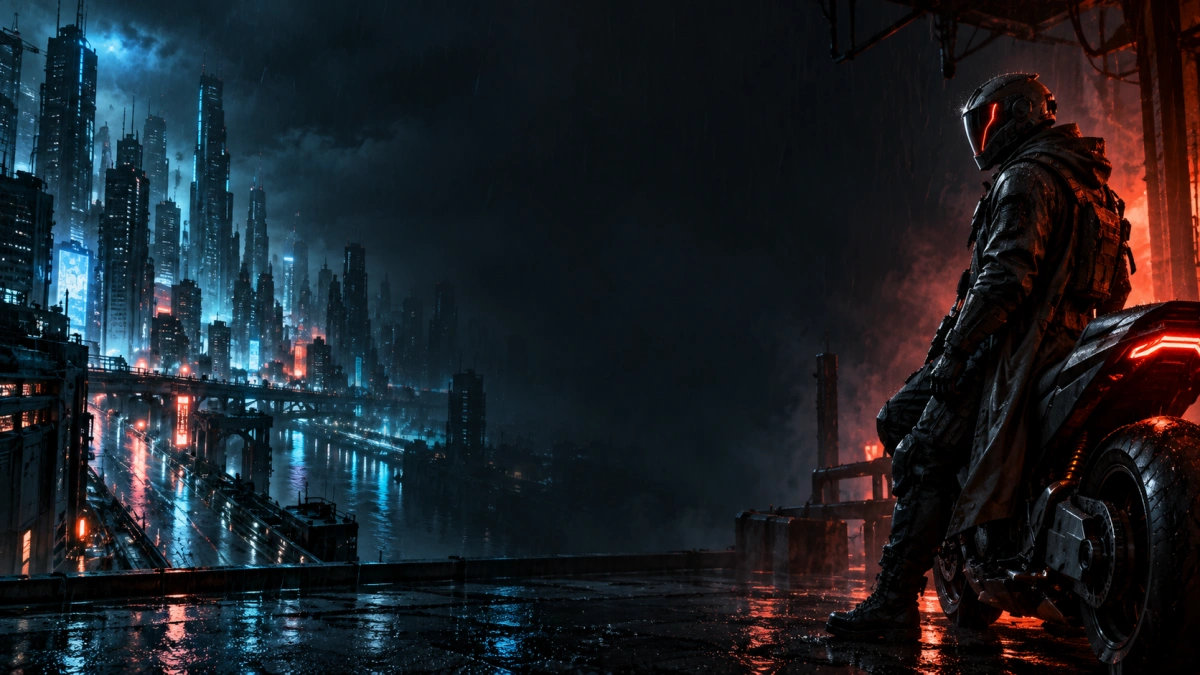
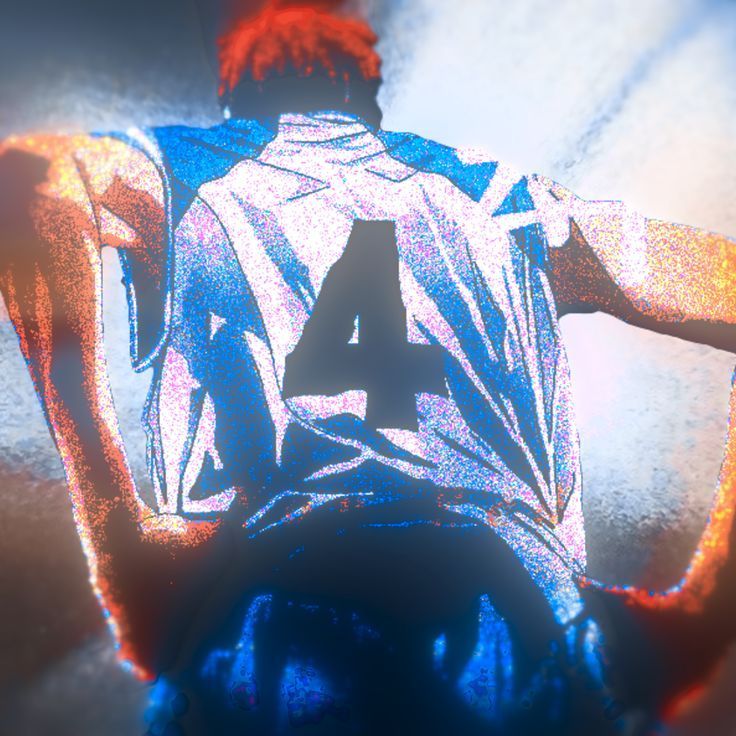
- Choose a presetThere are six backgrounds: cyberpunk, mecha, anime, Bakugan, orange light and a cool night scene.
- Adjust the lookSet dimming and blur, then move and scale the image. You can also adjust panel density and wallpaper visibility in the match room.
Add your own picture
Add an image from your computer in Wallpapers. GRIND supports static JPG, PNG and WebP files. Keep up to ten images in your collection, switch between them and remove individual files whenever you like.
Each file can be up to 10 MiB. Images with very large dimensions may also be rejected. A wide, horizontal image is a useful starting point: move the crop and adjust the zoom so the important part stays visible behind the panels. Your images are stored on your device.
FACEIT colors, Aura and Midnight
FACEIT color changes the interface accent. Choose from eight shades or select Original to restore the familiar look. Level, rank and skill-ring colors keep their meaning, so the stats remain easy to read.
Aura adds a soft glow to colored edges. It works with your chosen accent, even without a background image. Selecting Original turns Aura off.
Midnight replaces the wallpaper with a black theme. It is another way to change FACEIT without an image behind the interface.
Keep the match room easy to read
Choose a background, then check how names, numbers and labels look over it. If a bright area competes with the stats, increase dimming, move the crop or add a little blur. Panel density adjusts the panels separately, and wallpaper visibility has its own setting.
You do not need every effect at once. A color accent without a wallpaper, or the black Midnight theme, can change the look on its own.
Appearance alongside lobby analysis
In GRIND, your chosen appearance sits alongside player roles and skills, map statistics and levels 11–20. See how to read a FACEIT lobby and how FACEIT ELO works, or follow the GRIND installation guide.
If a background does not appear
- Check that GRIND is up to date and that you selected the appearance mode you want. Midnight uses a black theme; choose a wallpaper again to return to an image.
- For your own file, check its format and size. If a preset does not load, try selecting it again after your connection is restored.
- If you have other extensions that change FACEIT appearance, temporarily turn their appearance features off and check again. Every combination of extensions may not work together.
Frequently asked questions
Are GRIND wallpapers free?
Yes. Wallpapers, colors, Aura and Midnight are available to every GRIND user from version 1.73.0; VIP is not required.
Where are my pictures stored?
Your own pictures are stored on your device. In Wallpapers, you can switch between images in your collection or remove them individually.
Can I add my own picture?
Yes. Add a static JPG, PNG or WebP file up to 10 MiB. Your collection can hold up to ten images.
Can I change the color without a wallpaper?
Yes. The color accent and Aura work without a background image. Midnight is a separate black theme.
How can I keep the stats readable?
Adjust dimming, blur and panel density. Move and zoom the image to keep its important parts behind the interface.
What does Midnight do?
Midnight switches FACEIT to a black theme instead of showing a background image. You can choose the interface accent separately.
