
You queue enough and the same nicknames keep coming back. The guy who threw the pistol round and started typing. The "level 8" who dropped 30. The random who actually called good rotations. Two weeks later the nickname turns up in your lobby again and you feel like you have seen it before — but you have no idea why. Player notes fix exactly that.
Why a note beats memory
- You meet the same people more often than you think. Inside one ELO band and one region the pool is small — the further you climb, the smaller it gets.
- The read you already did is worth keeping. You scouted that player before the last match. Writing one line means you never have to do it twice.
- A report is stronger with history. "He griefed twice in a month" is a very different report from "he griefed today".
How to leave a note on a FACEIT player
- Install GRINDAdd FACEIT GRIND to your browser. Notes are on by default; the switch lives in the extension popup under Player notes.
- Open any match roomGo to a FACEIT match room — a live lobby or a finished one. Notes live on the roster rows, next to the players.
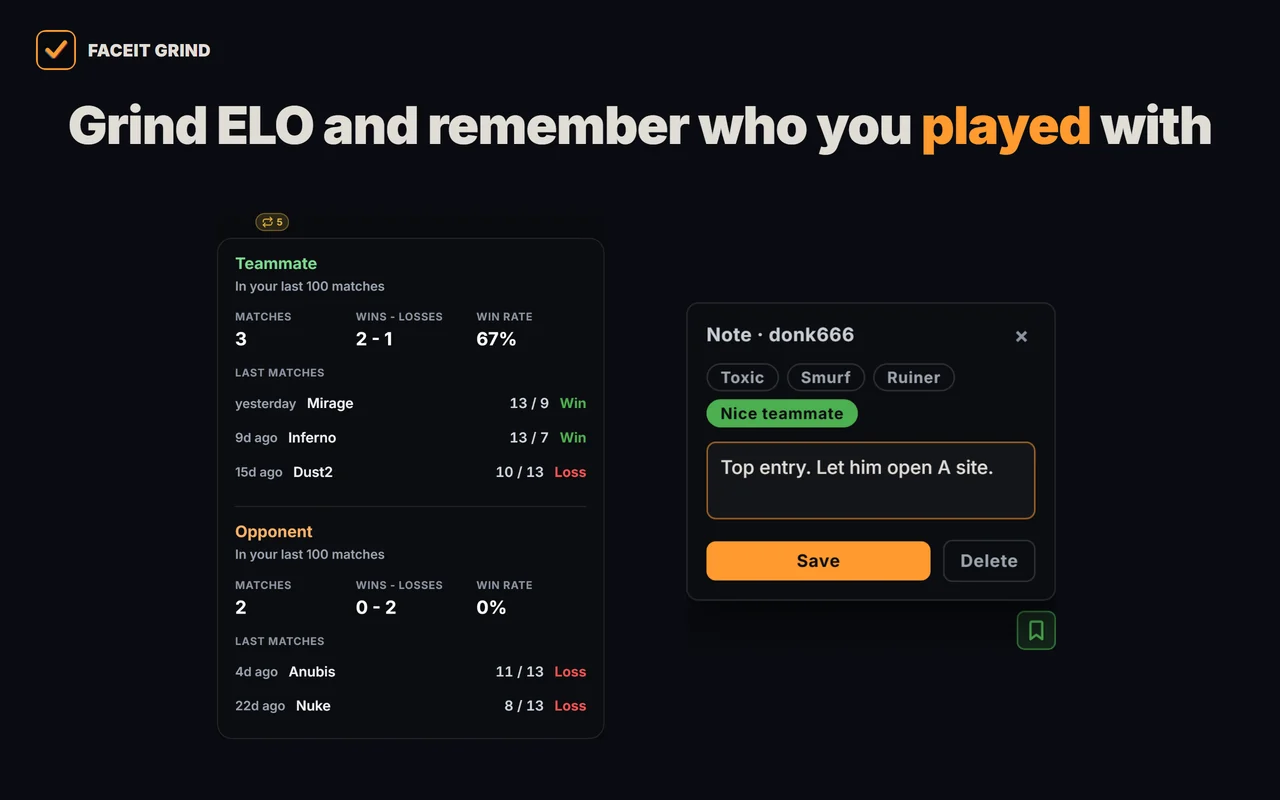
- Click the pin on a playerEvery player in the roster gets a small pin. Click it and a small note window opens for that nickname.
- Pick a tag, or write your own lineFour ready tags — Toxic, Smurf, Ruiner, Nice teammate — plus a free line up to 140 characters. Save.
- Meet them againNext time that nickname lands in your lobby, the pin is already filled in — your tag and your line are right there, before the veto.
What is actually worth writing
A note you cannot act on is noise. The useful ones change a decision you make before or during the match:
| Note | What you do with it |
|---|---|
| AWP main, second buy | You know who to trade for and when the AWP is coming. |
| Tilts after losing pistol | You keep the comms flat instead of piling on. |
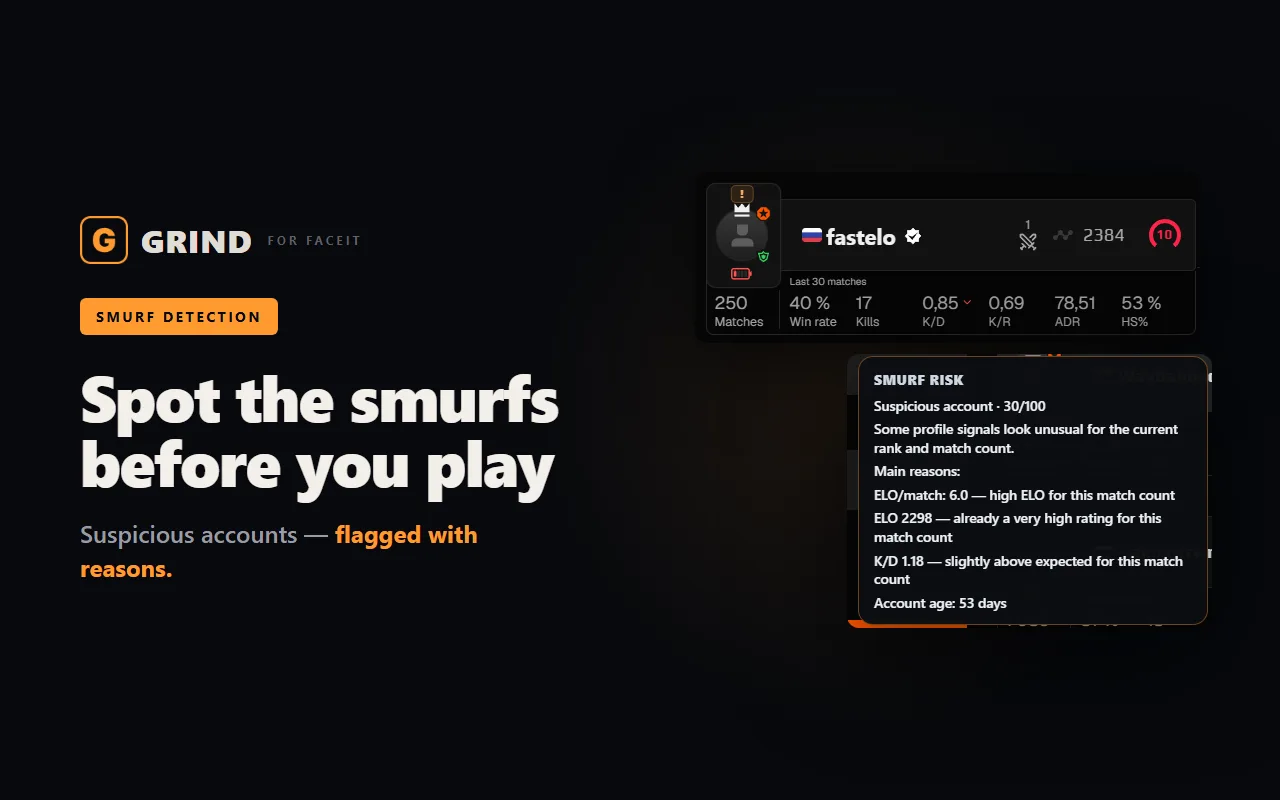
| Smurf? 78% WR, new account | You check him again next time and you have a reason for a report. |
| Good caller — duo with him | You add him after the match instead of forgetting the nickname. |
| Griefed mid-game 12.08 | Second offence turns a hunch into a pattern you can report. |
Private notes vs public reputation
Some extensions show a public reputation: the notes and ratings other users left on a nickname. That answers "what does the community think of this person", and it comes with the usual problem — a bad game can follow someone around for months because ten strangers downvoted them.
GRIND notes are the opposite by design: your notes, on your machine, about your matches. Nothing is uploaded, nothing is voted on, nothing is public. The trade-off is that you only see what you wrote yourself — which is also the point.
The details that matter
- A note belongs to the nickname. If someone renames their account, the old note stays behind on the old nickname.
- Up to 300 notes are kept. Past that the oldest ones drop off, so the list stays about the people you actually meet.
- 140 characters per note, plus one tag. It is a sticky note, not a dossier.
- All of them are in one place. The extension popup has a Saved notes list, newest first, with a clear-all button.
FAQ
Can other players see the note I left on them?
No. Notes are stored locally in your browser and are never uploaded, shared or shown to anyone else. The player you tagged is not notified in any way.
Do notes sync between my computers?
No. They live in the local extension storage of the browser you wrote them in, so a note written on your desktop will not show up on another machine.
Where do I see all my notes at once?
In the GRIND popup, under Saved notes — the full list, newest first, with the option to clear everything.
What happens if a player changes their nickname?
The note stays attached to the old nickname — a note belongs to the nickname you wrote it on, and a rename breaks that link.
Is tagging someone as a smurf a report?
No — a note is only for you. To report a suspected smurf you still use the FACEIT report flow; the note simply means you still have the evidence and the dates when you get there. See <a href="/blog/how-to-report-smurfs-faceit/">how to report smurfs on FACEIT</a>.